01 Source
Find the take
Paste a direct video link, open a local file, or try the sample. Drag the timeline handles to update the duration and estimate.
 RecastStudio
Open the demo
Studio preview
Paste a video file link or open a clip. Trim the scene, choose who to replace, and see the estimated render cost.
Pay once for Studio. Bring one API key. Pay for what you use.
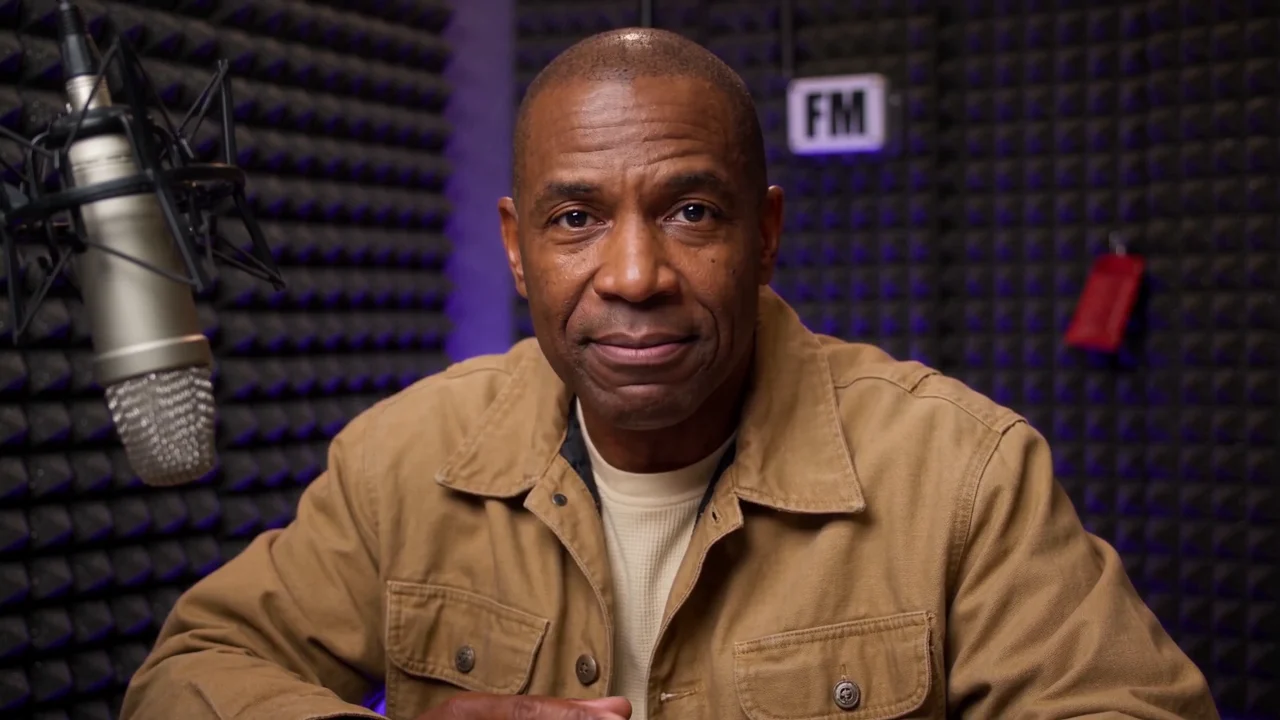
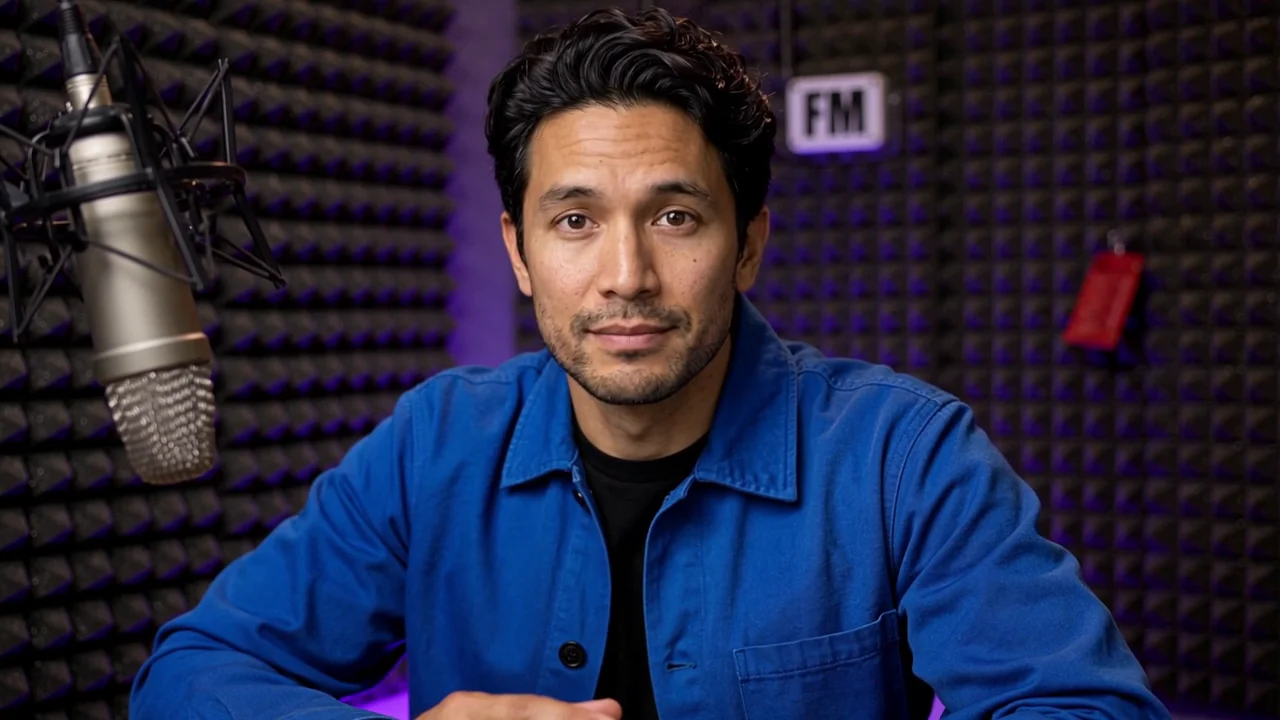 Original
Recast
Rendered example 01
A 15-second vertical clip recast with fictional performers. Both versions use the original “Outstanding” audio and share the same cut timing.
Rendered example 02
Two fictional men play the same radio engineer. The recast changes the wardrobe and keeps the original dialogue.
Rendered example 03
Compare a 12-second excerpt from Blender Studio’s open movie with the edited recast.
From clip to cast
Start with footage you have permission to edit. Work through the scene, the people, and the budget in one place.
01 Source
Paste a direct video link, open a local file, or try the sample. Drag the timeline handles to update the duration and estimate.
02 Cast
Find recurring faces in your trim and pick who to replace. Keep their outfit or add clothing and accessory references or notes.
03 Budget
See the first-pass estimate and a separate allowance for repairs. Plan the budget before you commit.
Screening room
Original clips and fictional casts. Watch the sample used in the editor, then compare the two looks.
01 12s · Sample source
Two characters, one parcel. Try this clip in the editor.
Open sample project
02 Illustrative still
New faces and hairstyles with the same jackets and scene.
03 Coming next
A closer look at fixing one shot in a longer scene.
Our take on creative software
Pay for the Studio license once. Bring one supported API key. Your provider charges you for the renders you run.
No monthly subscription.
Studio license · Proposed founding offer
Studio v1 access. Provider usage is separate.
Explore the free previewPlanned video bundles
Choose enough credits for 1, 3, or 5 standard videos from eligible templates. Each standard video is a 15-second render with one replacement. Check out as a guest. Rendering is included.
Single
$9.95 once
15 render credits
Trio
$24.95 once
45 render credits
Five-pack Best price per credit
$39.95 once
75 render credits
Each replacement uses 1 credit per rendered second, rounded up, with a 5-credit minimum per role per render. People you leave unchanged use zero credits. A 5-second clip with one replacement uses 5 credits. A 15-second clip with one replacement uses 15.
Planned for longer clips and more roles. A 30-second clip with one replacement uses 30 credits. A 15-second clip with two replacements also uses 30.
Proposed launch prices. See how access will work
Planned purchase flow
Use the email from checkout to sign in to Studio or recover your guest pack.
Buy the Studio license or check out as a guest with a video pack.
Studio buyers get a sign-in link. Pack buyers get a link to open their credits again, with no account to create.
Studio buyers connect their API key. Pack buyers choose an eligible template and see the credit cost before they render.
Coming soon
Start with a scene that already has the roles mapped, from short skits to group performances.
Use a voice sample you have permission to use and carry over the timing and delivery of the original performance.
The preview
Open a local file or paste a direct HTTPS link to an MP4, MOV, or WebM from a host that allows browser downloads. YouTube links open in the local Studio editor on a Mac with the helper running.
Your local video and portraits stay in this browser during the preview. Use media you own or have permission to edit.
Try trimming, cast mapping, wardrobe notes, and cost estimates. Checkout and connected rendering are planned.
With the planned Studio license, you connect one supported API key and the provider bills you for usage. Guest packs include rendering for eligible templates and work without an API key.